Your family's hisaab, in one place.
FinNest works out the money questions every Indian household has: EMIs, tax regimes, school fees, retirement, scams. It answers in plain words and real numbers, and nothing you type leaves your phone.
Free. No sign-up. No ads.
Home loan at 8.5%
EMI
Interest
₹5k extra saves
Questions FinNest answers
Each one opens the tool that works it out with your own numbers.
| The question | Where to look |
|---|---|
| How can I save more from my salary? | Salary allocation |
| How can I reduce my home-loan interest? | Loan prepayment |
| Which expenses can I cut without changing how we live? | Save ₹5,000 challenge |
| Old or new tax regime this year? | Tax-saving finder |
| How do I improve my credit profile? | Credit health plan |
| How much emergency money do we need? | Emergency fund |
| What will my child's college cost in 12 years? | Child education |
| What should I check before buying a house or car? | Buying checklist |
| Someone asked for my UPI PIN. What now? | Safety centre |
| Can I retire at 50? | Early retirement test |
| Which money mistakes should I avoid at my age? | Mistake checker |
There are 67 calculators, 11 planners, over 100 tips and 16 short lessons in all.
Inside the app
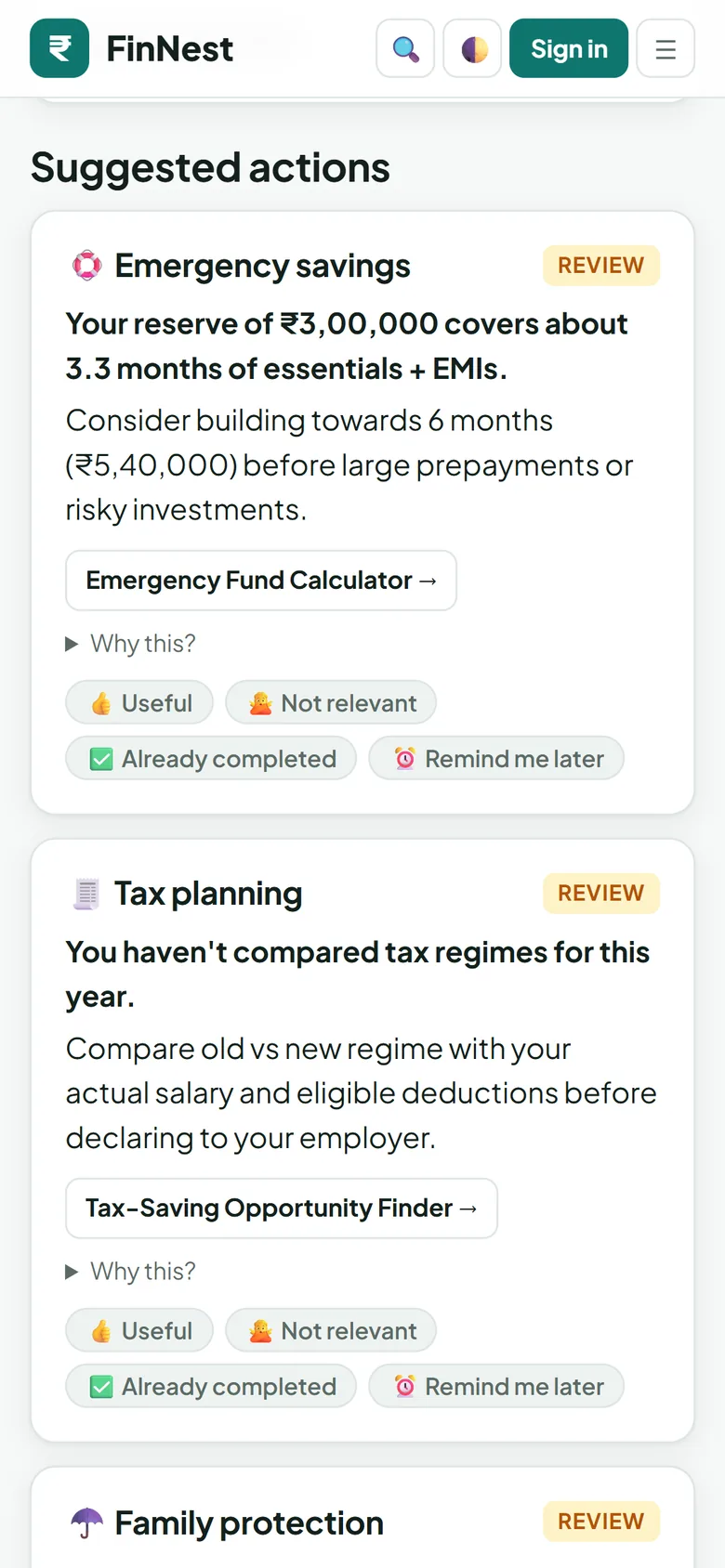
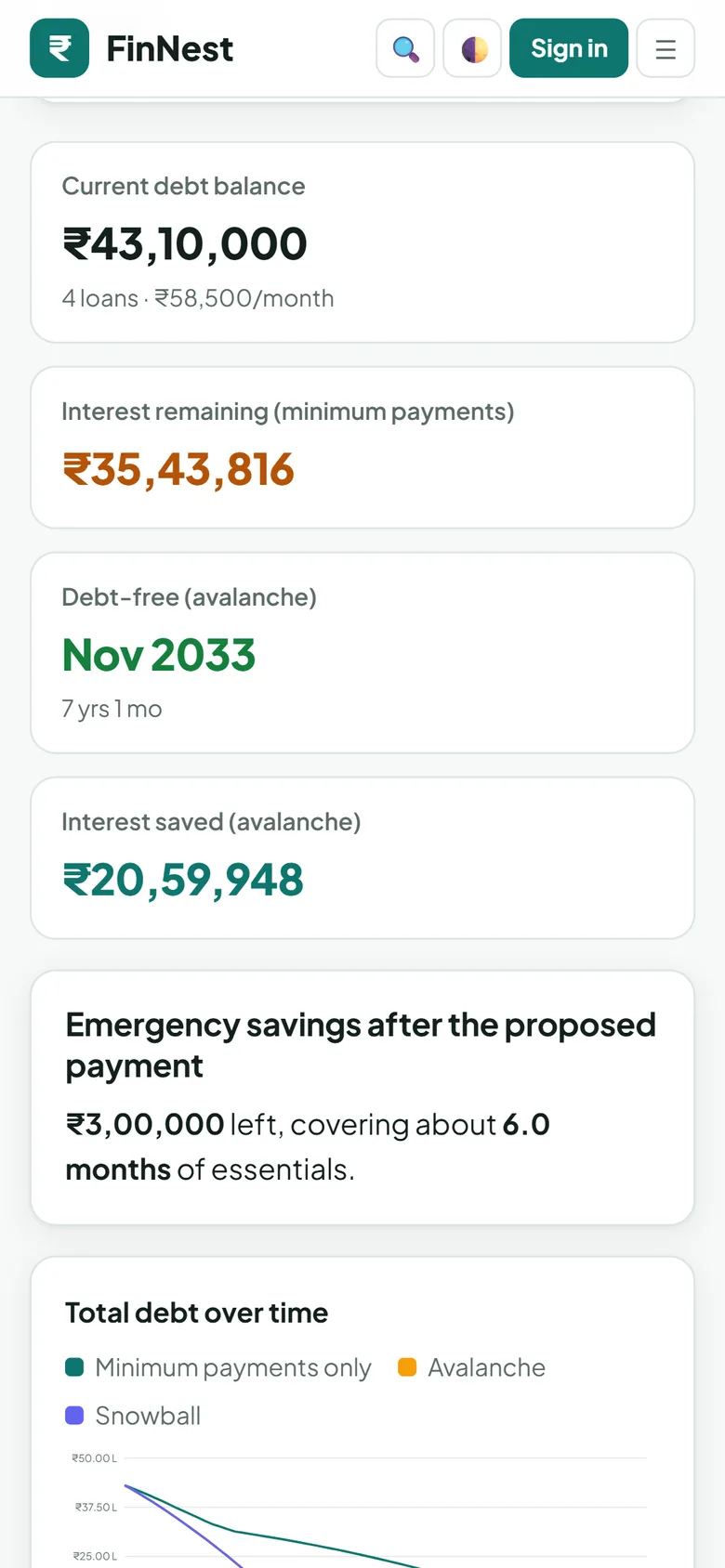
Your numbers stay with you
- No account needed
- Every calculator and planner works without signing in.
- Stored on your phone
- What you save lives on your device. FinNest has no server that receives it.
- Backups only you can open
- Optional backup to your own Google Drive, locked with a password you choose (AES-256).
- One permission
- The Android app asks only for internet access. No contacts, SMS, location or camera.
- No ads, no tracking
- No analytics or advertising code, in the app or on this site.
- Screens stay private
- The app blocks screenshots and recent-apps previews of your figures.
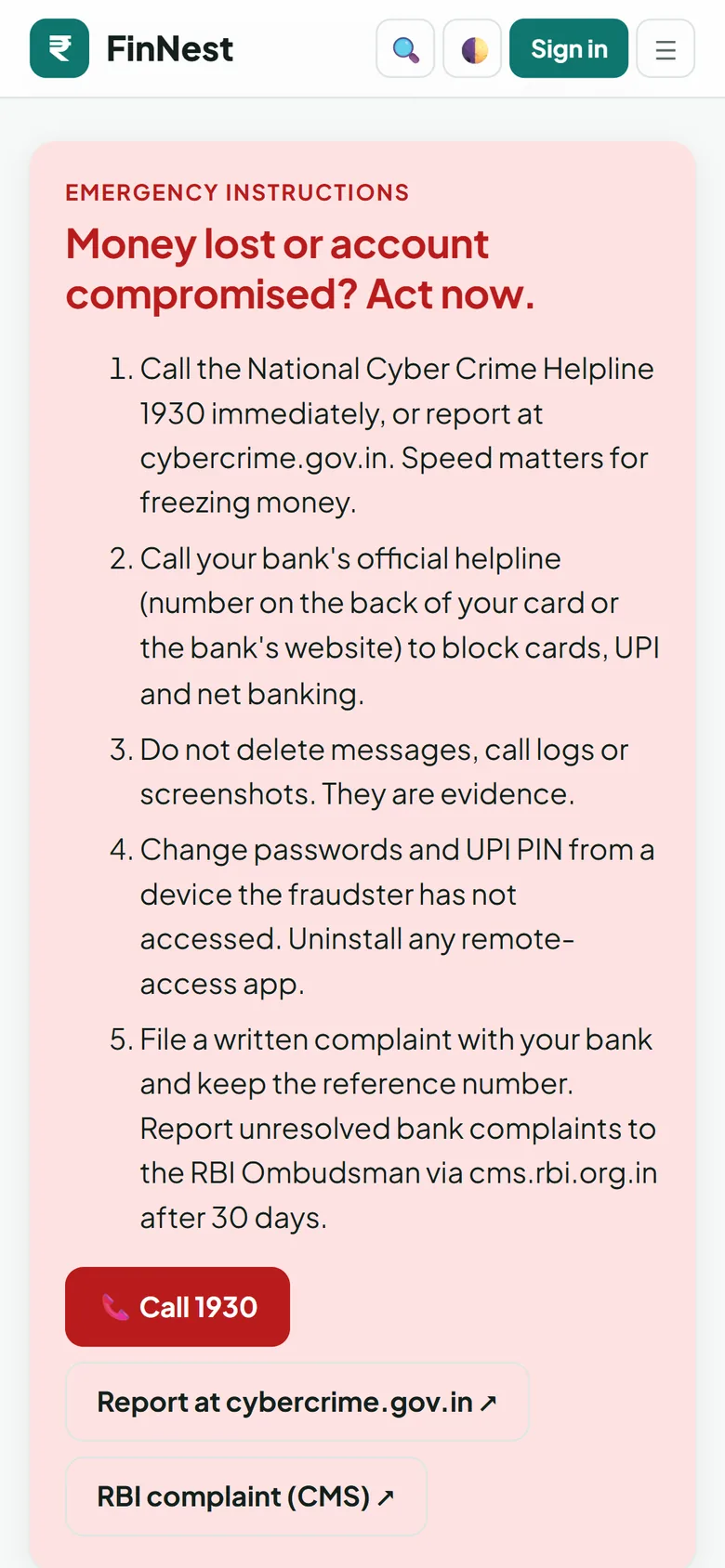
Lost money to a scam?
Call 1930 now, or report at cybercrime.gov.in. Then call your bank to block cards and UPI. The faster you report, the better the chance of freezing the money.
Get FinNest
In your browser, now
Works on any phone or computer. Add it to your home screen from the browser menu.
Open the web appAndroid app
Coming to Google Play and Indus App Store. Same features, plus blocked screenshots and offline use.
Google Play: coming soonIndus App Store: coming soon